Budget and spending
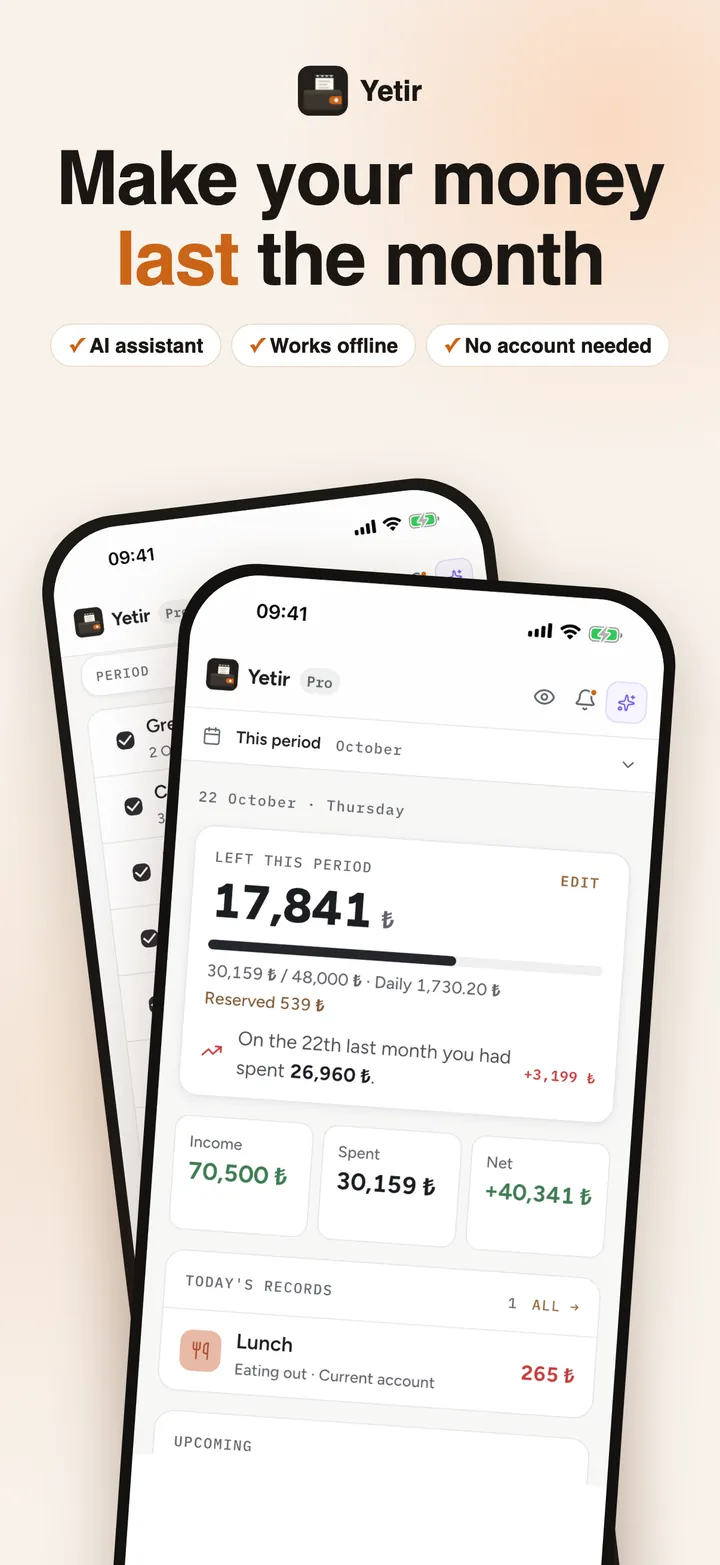
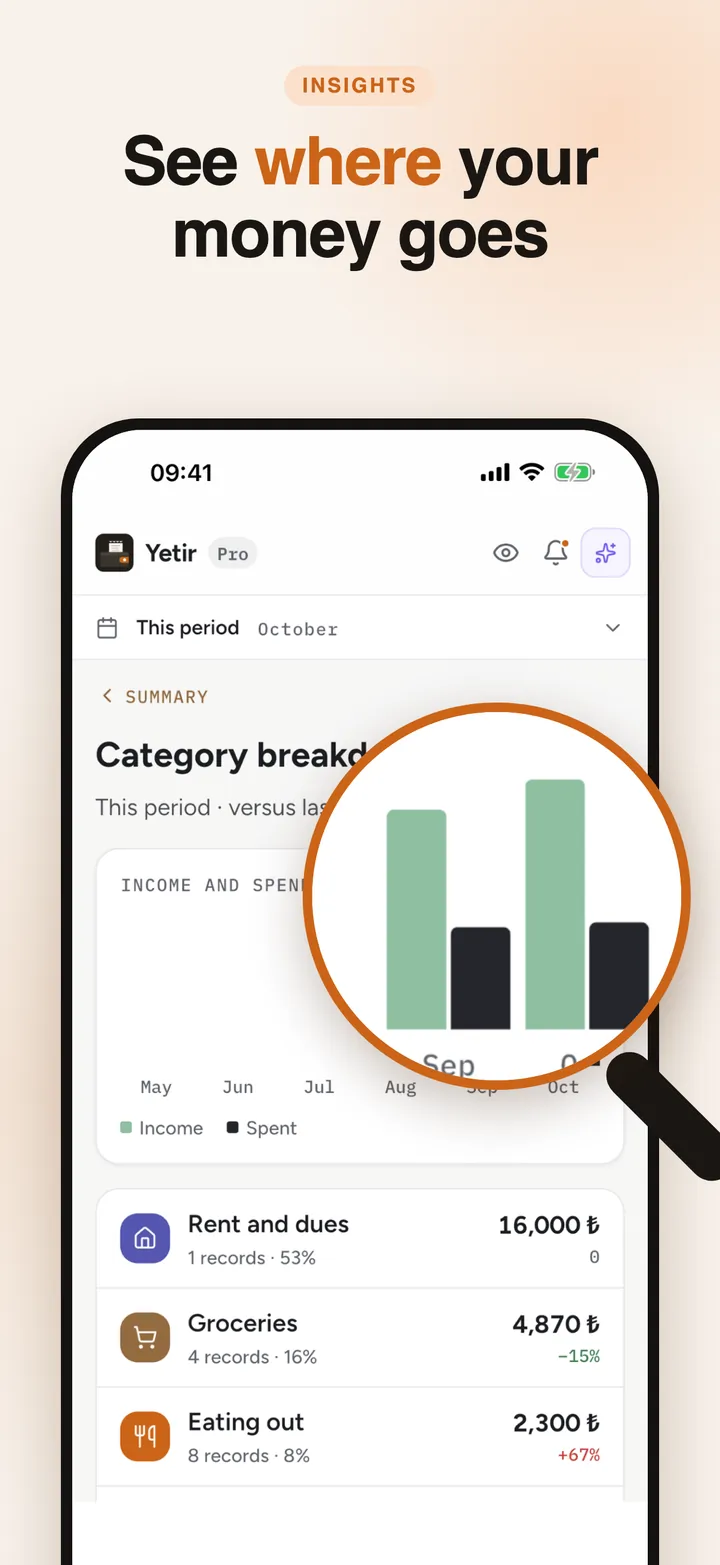
Set a budget for the period and see where it goes by category. Add records from templates in one tap.
 Yetir
Now on the stores
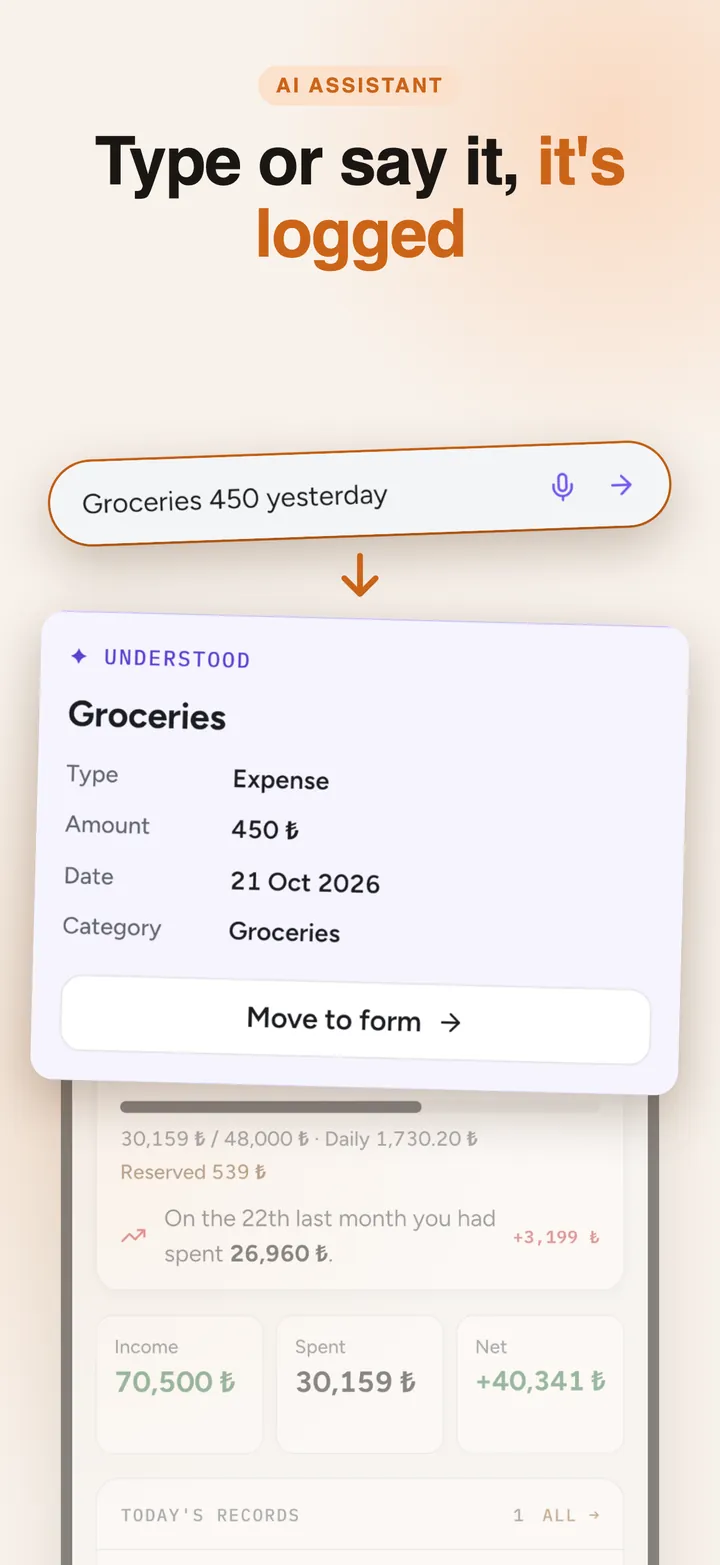
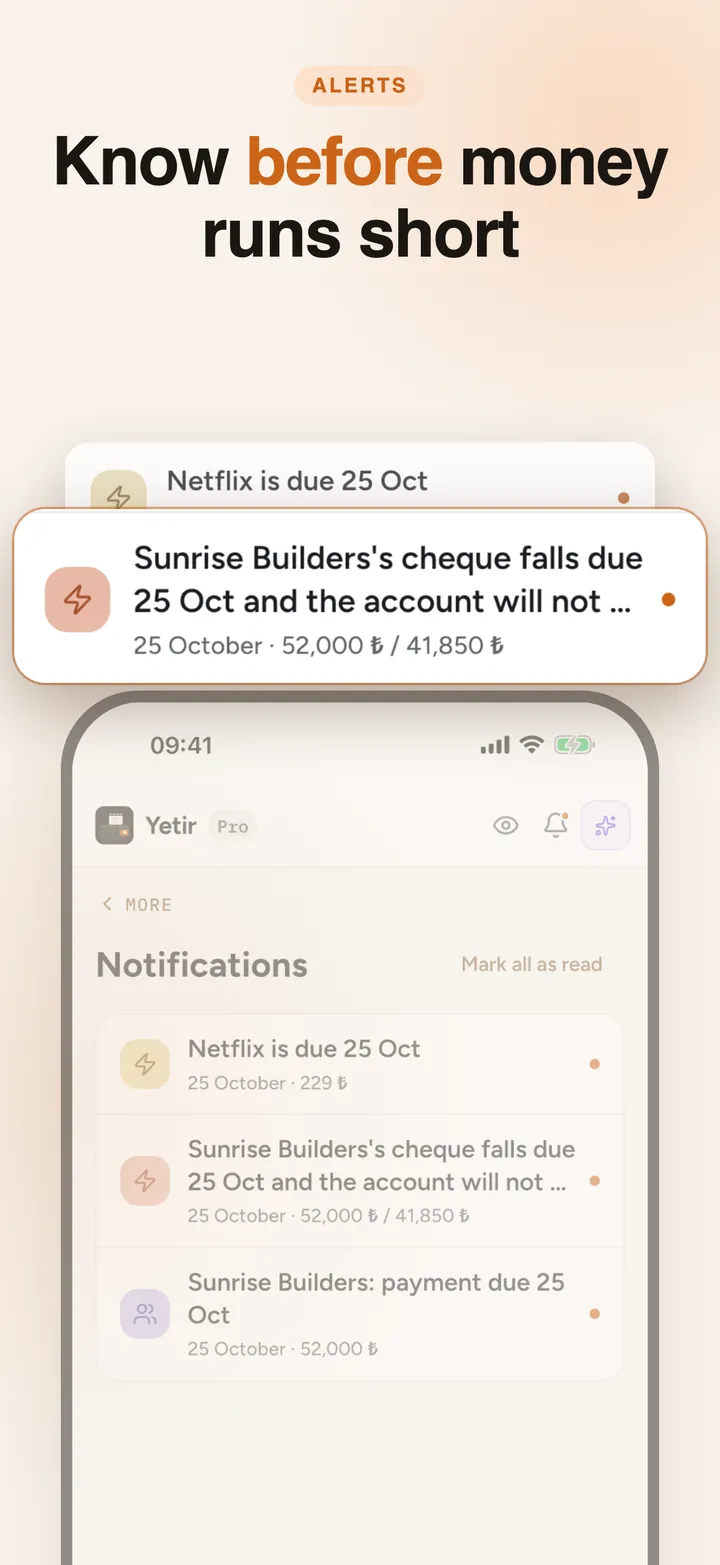
Set your budget and see what's left each day. Add expenses by typing, speaking or scanning a receipt with Yetir AI.


Features
Set a budget for the period and see where it goes by category. Add records from templates in one tap.
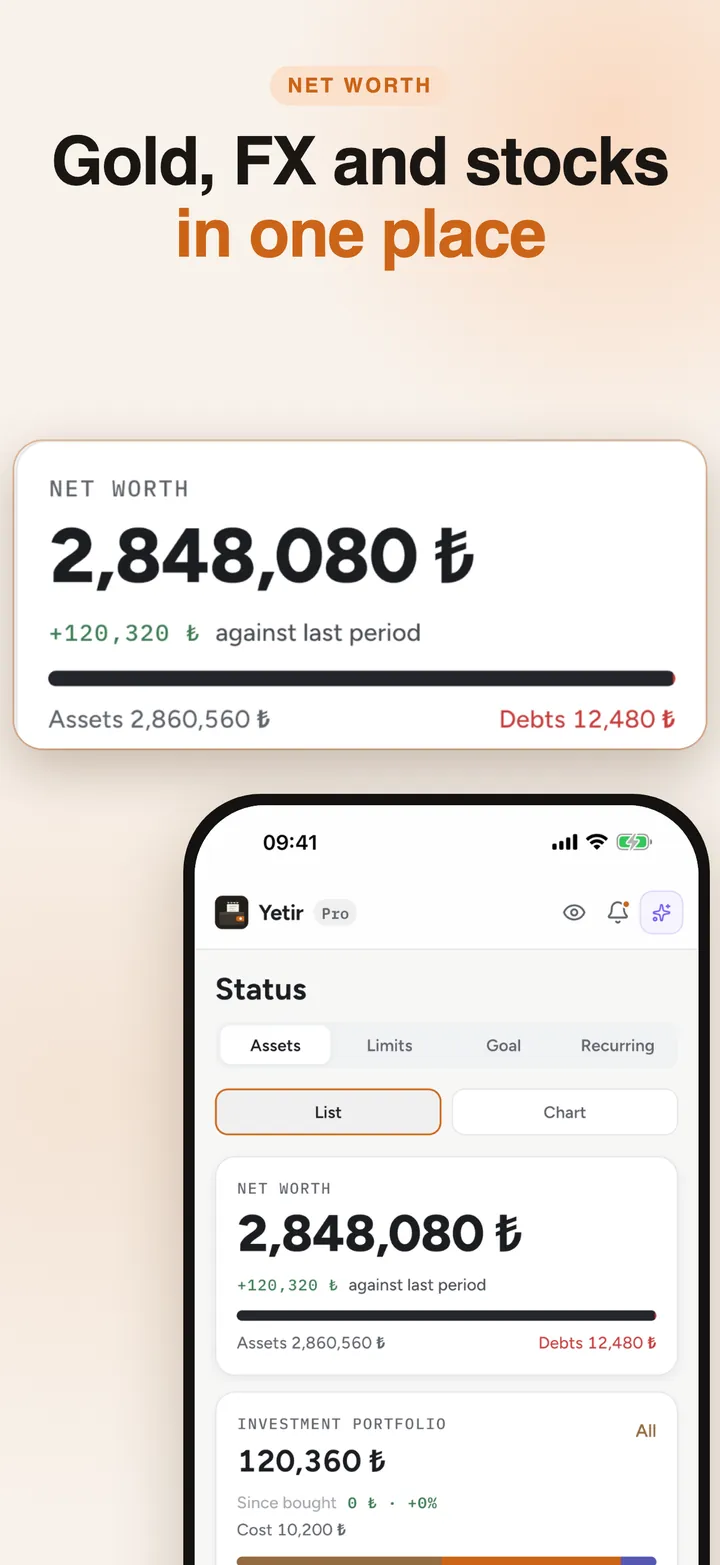
Keep cash, bank, savings, gold and foreign currency in their own units. Update the value of your own assets and watch them grow.
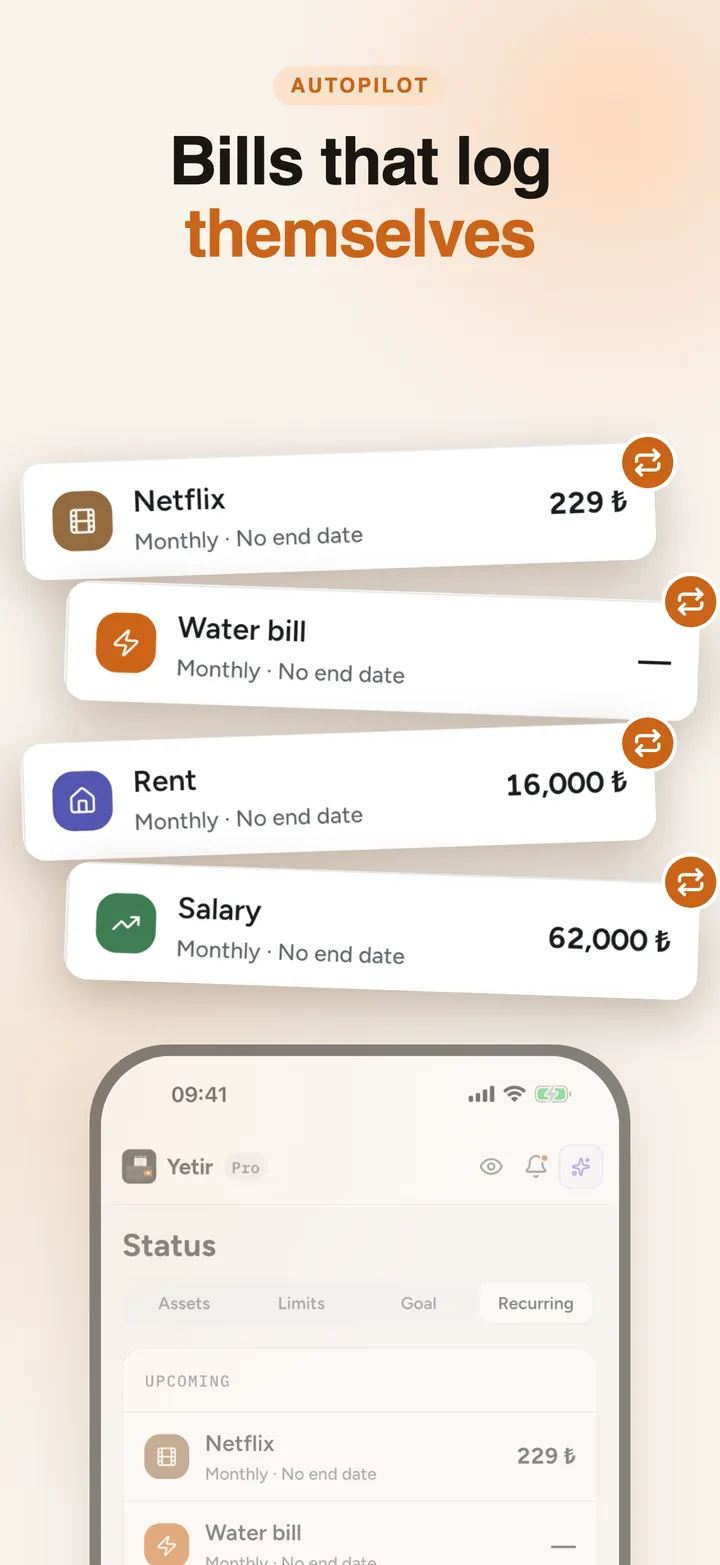
Salary, rent, subscriptions and automatic transfers to savings are posted by themselves on the due day.
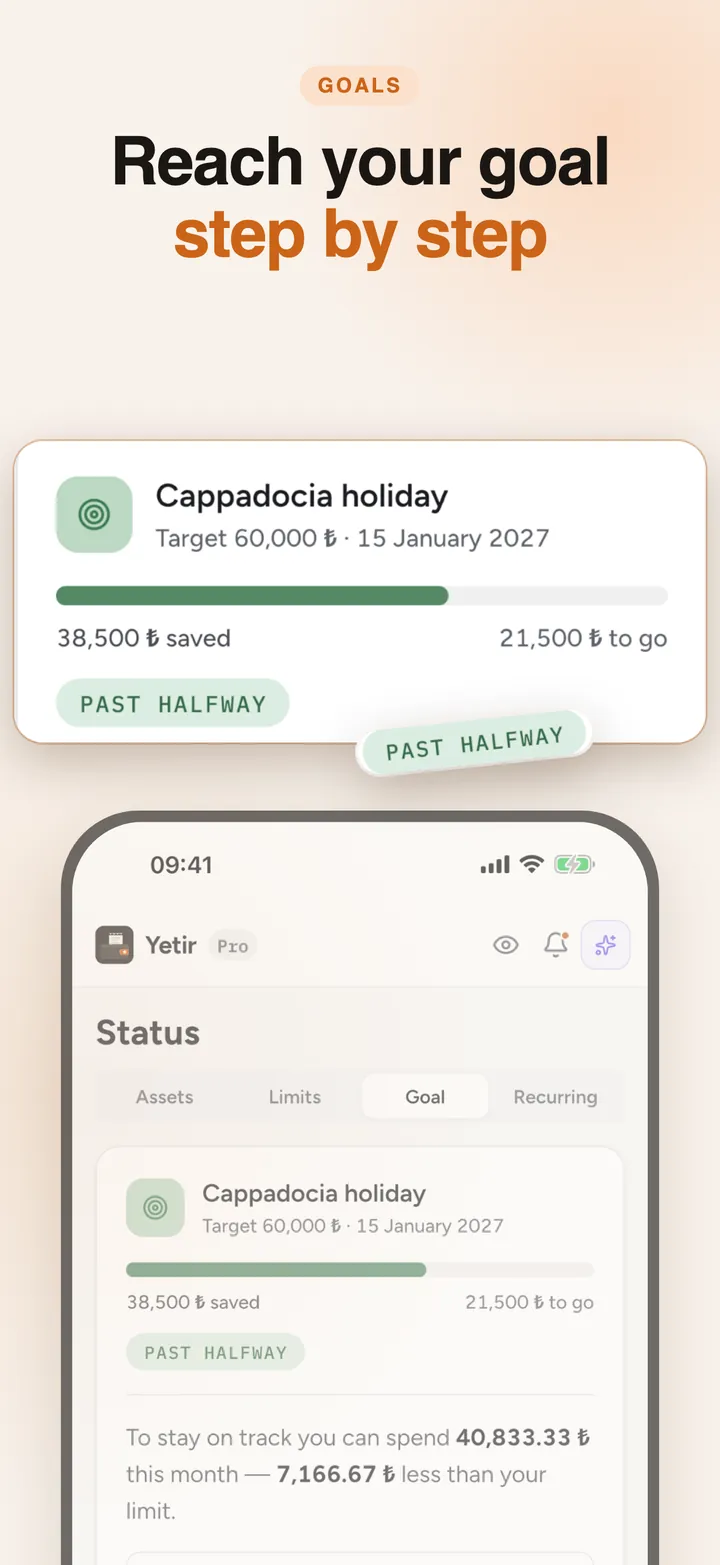
Set a savings goal, note who owes whom, and follow instalments.
Export monthly, quarterly and yearly reports as CSV or PDF.
On your phone, add records manually and read reports without a connection. Yetir AI requests, backup and syncing need internet access.
Turkish, English, Spanish, Arabic, Italian, Polish, French and Portuguese. Five currencies, with totals that agree with your main currency.
Privacy
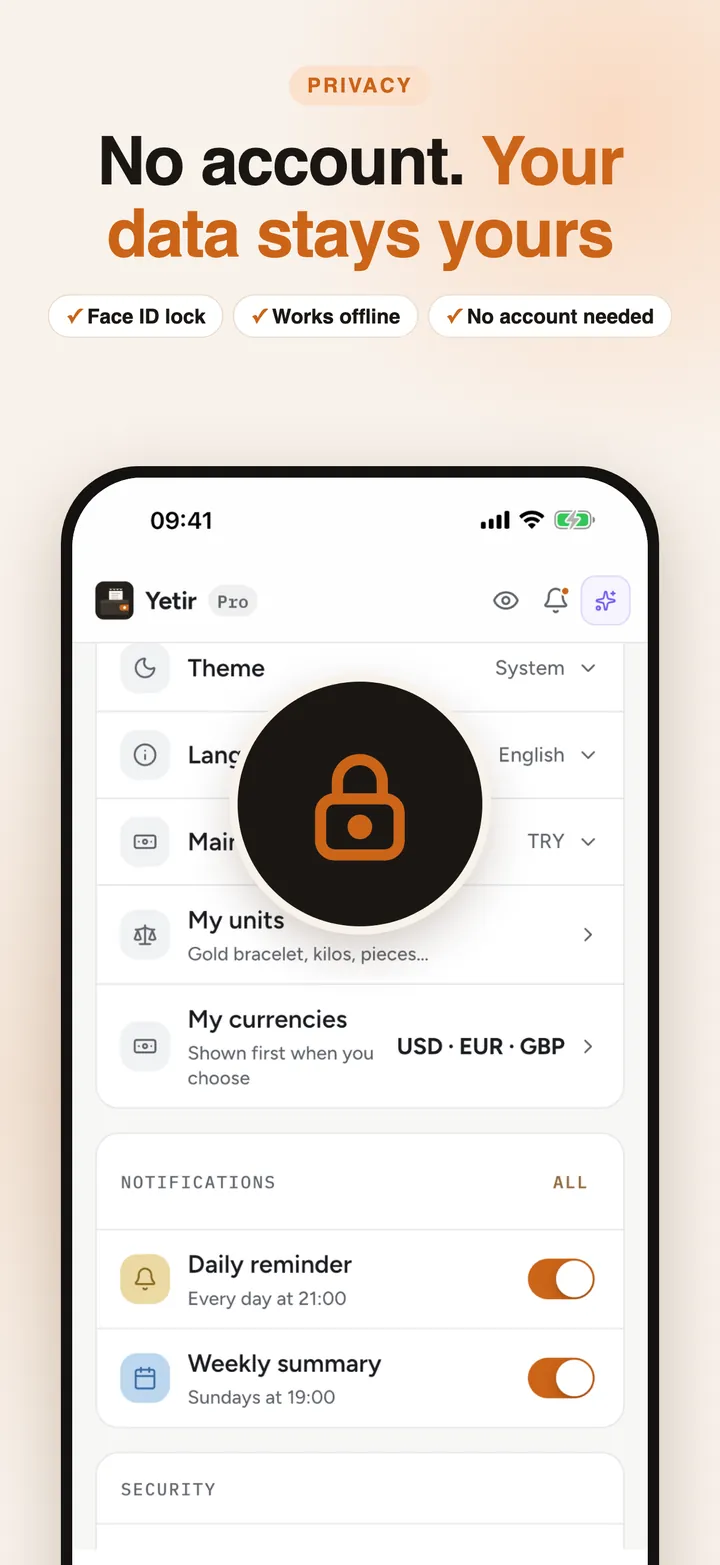
Your records are stored on your phone. Backup and syncing between devices are optional, need an account and keep a copy on our server in the EU. Yetir AI requests send what they need to our server and to AI providers, only if you allow them; a market-price search sends your search text through our server to a market-data provider. Without asking, the app sends a random install id and usage events to our database in the EU, a few basic events to an analytics service and crash reports to an error-tracking service (EU); amounts, names and notes are never part of them. Sharing more usage data with the analytics service, and ad measurement with an ad-measurement partner, are on from the start; you can turn both off in Settings → Privacy. The privacy policy describes the role of each service provider.
Read the privacy detailsPlans
Basic
Free
Pro
Monthly or yearly
See the price for your country in the store
Family · Coming soon — A shared budget for the family. Not available yet.
Guides
A simple way to make a monthly budget: write down your income, set aside fixed costs, give categories limits and see what you can spend each day. Done with Yetir.
Track your credit card debt, statement day and instalments in one place: enter instalments against the coming months and see payments ahead of time. Steps with Yetir.
Follow your savings, gold and foreign currency together: record each asset in its own unit, update its value, set a goal and see your total net worth.
Keep track of salary, rent, bills and subscriptions: set them up once, choose how often they repeat and let them post on the due day. Steps with Yetir.
Yes. The Basic plan is free and includes the budget, records, accounts, goals and reports. The first 21 days have no ads, then Basic shows one ad on the Summary screen; Pro adds extras and removes ads.
Your records are stored on your phone. Backup and syncing between devices are optional, need an account and keep a copy on our server in the EU. Yetir AI requests send what they need to our server and to AI providers, only if you allow them; a market-price search sends your search text through our server to a market-data provider. Without asking, the app sends a random install id and usage events to our database in the EU, a few basic events to an analytics service and crash reports to an error-tracking service (EU); amounts, names and notes are never part of them. Sharing more usage data with the analytics service, and ad measurement with an ad-measurement partner, are on from the start; you can turn both off in Settings → Privacy. The privacy policy describes the role of each service provider.
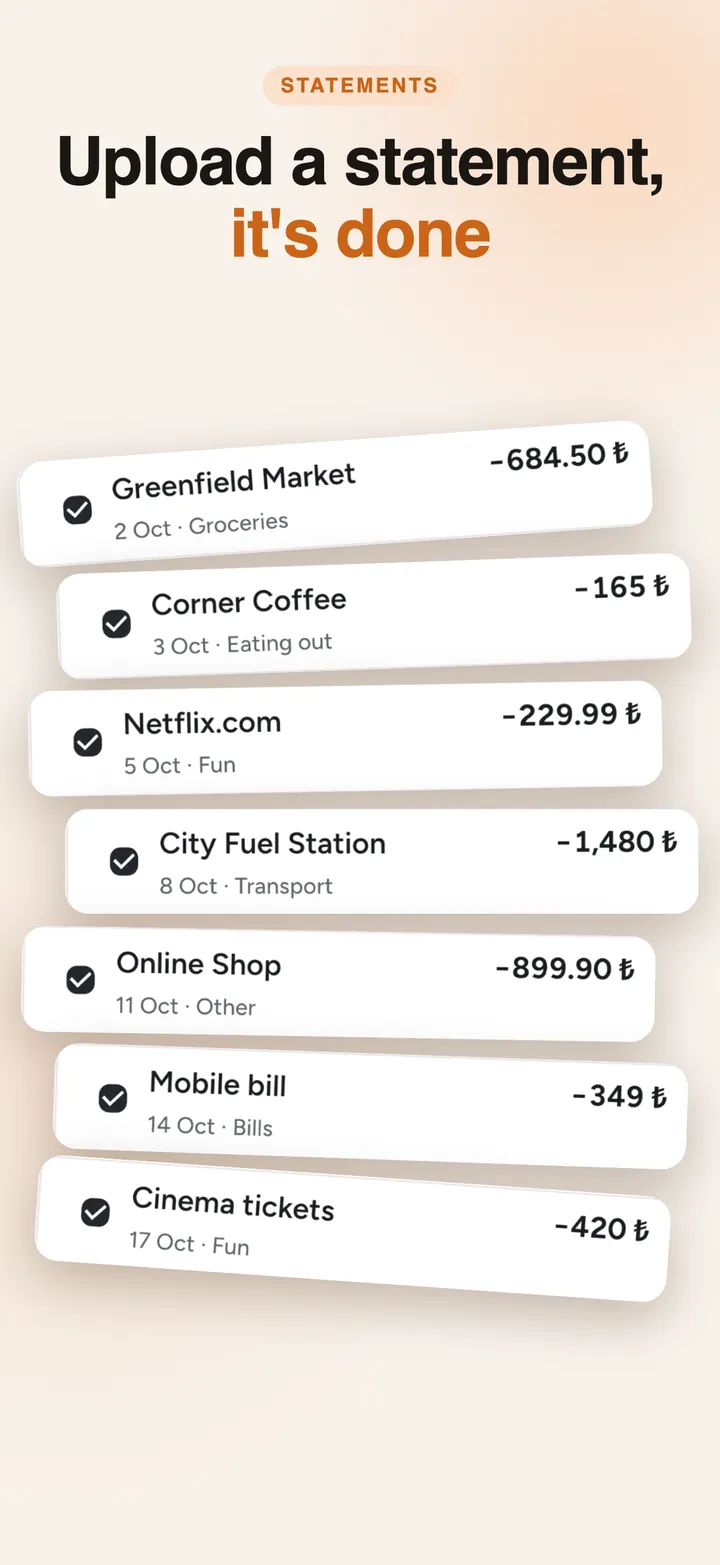
No. Yetir has no connection to your bank and never asks for bank credentials. You add records yourself; you can scan a receipt or import a card statement.
It runs on iPhone and Android phones, in Turkish, English, Spanish, Arabic, Italian, Polish, French and Portuguese.
Yes. You can keep accounts in dollars, euros, grams of gold and more, valued at the day's rates. Prices are for information and are not investment advice.
Download Yetir free, set your budget and see what you can spend today.